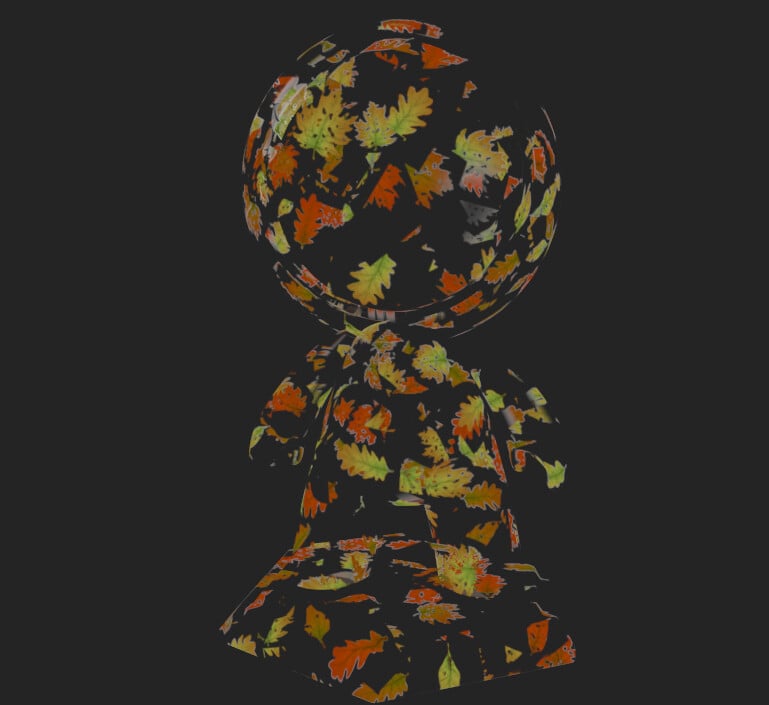
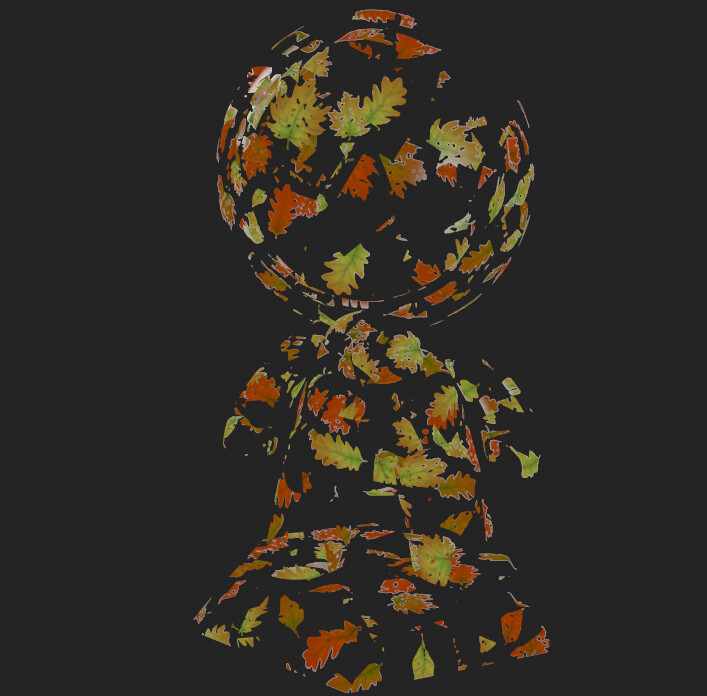
Substance painer unlit shader with alpha test / transparency support
In

Copied
How to install - just copy the files into your Substance Painter shaders folder i.e.
..\Allegorithmic\Substance Painter\resources\shelf\allegorithmic\shaders
How to use
1) select the shader
2) add opacity channel
3) add fill layer with zero opacity and instantiate it accross all of your sets
4) add layer with non zero opacity
5) paint